Profiles
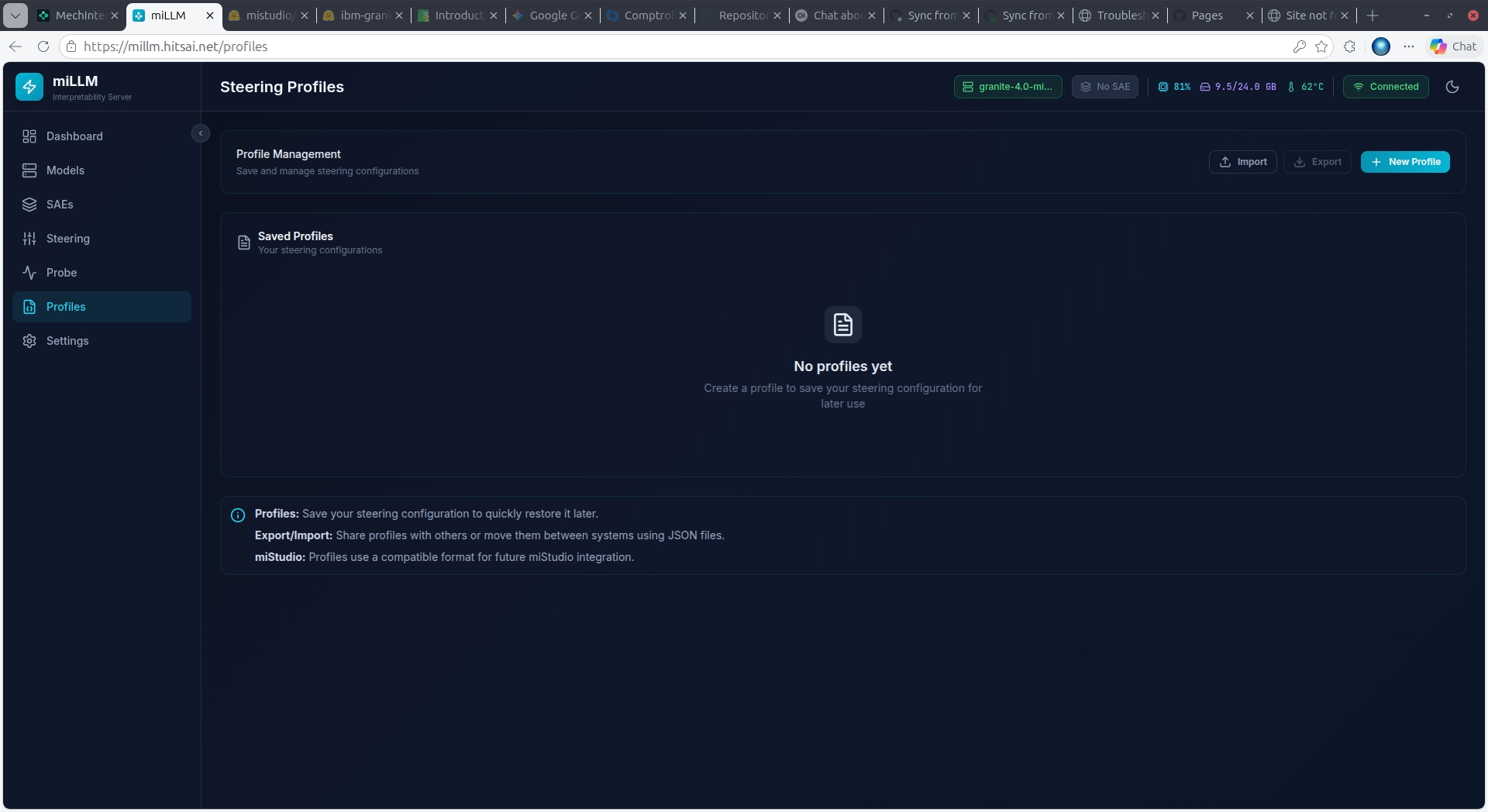
Profiles save steering configurations for reuse and sharing.
Creating a Profile
- Configure your desired features and strengths on the Steering page
- Click Save as Profile
- Enter a name and optional description
- Click Save
Alternatively, create profiles directly from the Profiles page.
Managing Profiles
Each profile displays:
- Name and description
- Model and SAE it was created with
- Feature count and summary
- Active status indicator
Actions
| Action | Effect |
|---|---|
| Activate | Loads the profile's features into the steering system and enables steering |
| Deactivate | Clears steering features |
| Edit | Modify name, description, or features |
| Delete | Remove the profile permanently |
Import/Export
Profiles can be exported as JSON files and imported on other miLLM instances:
{
  "version": "1.0",
  "name": "honesty-amplification",
  "description": "Amplifies honesty-related features",
  "model": { "repo_id": "google/gemma-2-2b-it", "quantization": "Q4" },
  "sae": { "repo_id": "google/gemma-scope-2b-pt-res", "layer": 20 },
  "features": [
    { "index": 11859, "strength": 22.8 },
    { "index": 3807, "strength": 15.0 }
  ],
  "exported_at": "2026-03-24T..."
}
Cross-Instance Compatibility
Profiles include model and SAE metadata. When importing on a different instance, ensure the same model and SAE are available.